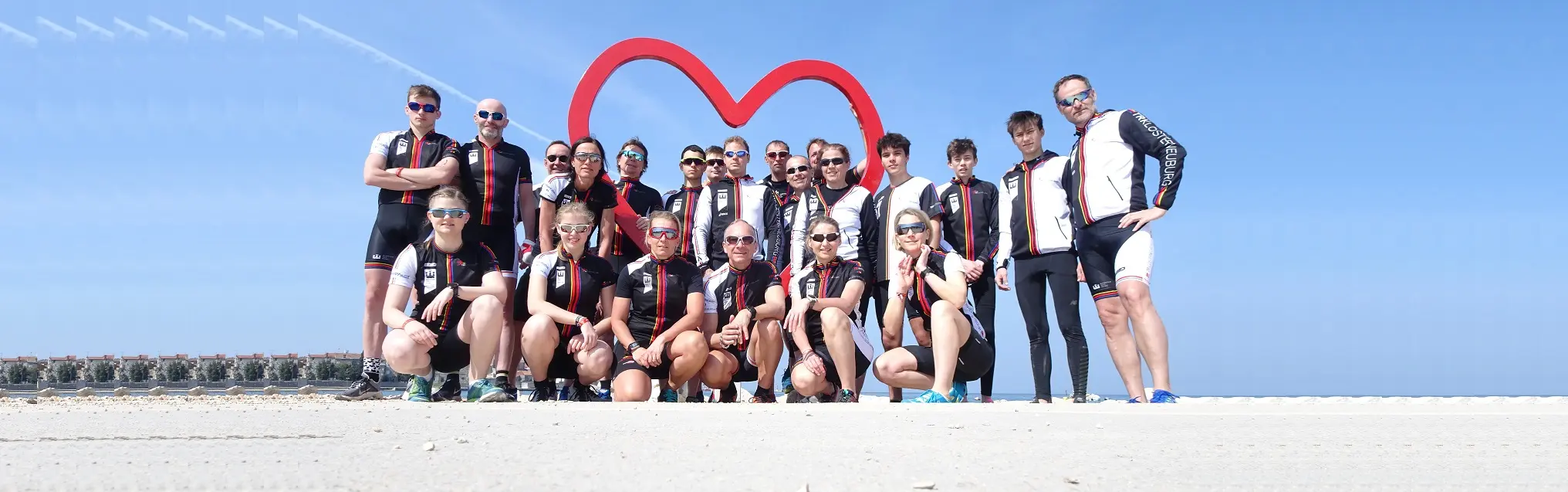

On TRIKids the club presents its training for children and young people up to 15: swimming, cycling and running in groups by ability. You sign up a child in the shop under Kids.

What the TRIKids page shows
- Motivational videos – Training and competitions: first TRIKids up to 15 years, who the training is for and what the children learn. more details opens the post about it.
- Then the videos, for example of the mountain bike workshop, the running training and riding in a group, each with a text.
- Newsletter: with edit you sign up for the newsletter (see Newsletter).
- Below, the club's whole training offer and its partners.
A video loads only when you tap its picture. It then comes from YouTube, and only after you accepted the cookies; otherwise a note asks whether you accept.
Sign up a child
- Add your child under My family if they are not there yet (see Your family). You need an account for that.
- In the shop open the category Kids and choose a training.
- Under For whom? choose your child and the semester, tick the training and tap book.
- Order in the basket (see Basket and ordering). If the training needs a membership, the shop adds it by itself.
Buttons and dialogs
- more details: opens the club's post on that section.
- A picture with a play sign: loads the video in its place.
- edit at the newsletter: opens the sign-up form.
- The partners at the bottom lead to their own websites.
If something goes wrong
- No suitable training in the shop → Sign-up for the next semester may not be open yet. Look in the calendar or ask in the chat.
- My child is missing under For whom? → Tap Add family member below it and add them right here. Or tap Family: My family opens with the form, and after saving you come back to the training.
- A cookie notice instead of the video → You have not accepted the cookies yet. Tap "Accept cookies" in the note, then tap the picture again.
Frequently asked questions
What is TRIKids?
The club’s training for children and young people up to 15: swimming, cycling and running in groups by ability.
What age is TRIKids for?
For children and young people up to 15. From 16 there is the youth training.
Where do I see what the children train?
Under Motivational videos on the TRIKids page: videos from the training, for example mountain bike, running and riding in a group, each with a text.
Why does a video not start by itself?
A video loads only when you tap its picture. It then comes from YouTube, and only after you accepted the cookies; otherwise a note asks whether you accept.
How do I sign up my child?
Add your child under My family, choose a training under Kids in the shop, pick your child under For whom?, tap book and order in the basket.
Do I need an account to sign up?
Yes. You sign in and add your child under My family before you book in the shop.
Does my child need a membership?
If a training needs the membership, the shop adds it to the basket by itself when you book.
What does more details open?
The club’s post on that section, for example more about TRIKids up to 15 years.
How do I sign up for the newsletter here?
Tap edit at the newsletter. It opens the sign-up form.
Where do the partners lead?
Each partner at the bottom of the page leads to its own website.
Why can I not find a kids training in the shop?
Sign-up for the next semester may not be open yet. Look in the calendar or ask in the chat.
Why can I not choose my child?
They are not under My family yet.
Why does a cookie notice appear instead of the video?
You have not accepted the cookies yet. Tap "Accept cookies" in the note, then tap the picture again.
