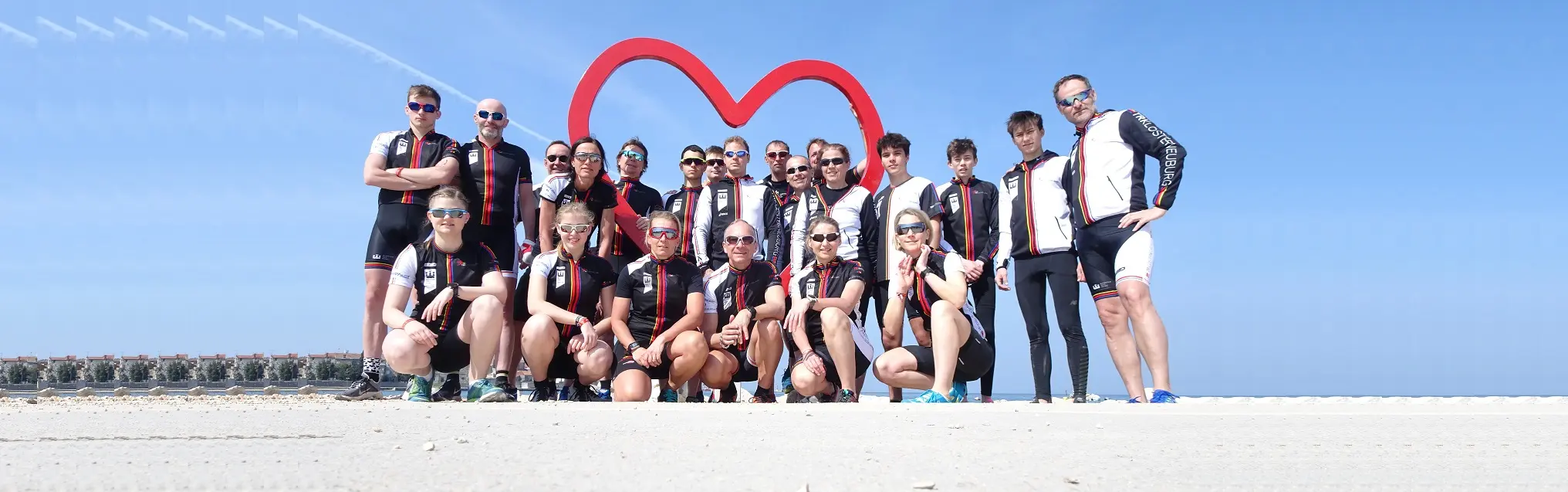

On the training page TRI Klosterneuburg presents what it offers: swimming, cycling and running for beginners, youth, kids and adults. When training takes place is in the calendar: all of the club’s trainings and dates.

What training is on offer
At the top of the training page the club presents its Professional training in the Community, with Structure and perfection and Membership. Below it you sign up for the newsletter. Under Training offer come the groups: Beginner, Youth from 16 years, TRIKids up to 15 years and Adults. For each of them, more details leads to a post with more information. At the very bottom are the club’s partners. You order memberships and courses in the shop.
Find dates in the calendar
In the calendar choose the view at the top:
- Week: the days side by side, each training as a block at its time. The week shows the day from 6:00 to 22:00; an earlier or later date widens it. On a phone you see fewer days at once; choose 1 day, 3 days, 5 days or Week yourself, as far as they fit.
- List: two weeks from today, day by day, with time, place and category.
- Month: the whole month, a day’s dates below it.
- Year: the twelve months at a glance; a day with dates is coloured, today is ringed. Tap a day and the Month opens with that day’s dates below it. The arrows next to the year number page one year forward or back.
Use Back and Next to page, Today to come back, and Pick a date to jump to a day. You can also drag sideways with a finger or the mouse. The view you chose last is kept in this browser.
Open a date
Tap a date. A window shows the day and time, the Place, the Category and, if there is one, a description and a picture. If a date is cancelled, it says so there. Close or the ✕ takes you back to the calendar. A date shown only as busy opens no window.

Buttons and dialogs
- List / Week / Month / Year: the calendar’s view.
- Full screen: the calendar over the whole window. Tap again or press Esc to go back.
- Back / Next: one week, two weeks (list) or one month forward or back. In the Year view the arrows next to the year number page one year.
- Today: back to today. Grey when you are already there.
- Pick a date: opens a small calendar where you tap a day.
- Display (week): how the blocks are arranged and which hours a day shows: Arbeitstag (6–22 Uhr) (working day, 6:00–22:00) or whole day.
- The handle under the week: drags the calendar taller or shorter.
- Kalender at the bottom of every page (on a computer): shows the next dates at the side, with a link to the whole calendar.
If something goes wrong
- The calendar could not be loaded just now. → The connection did not work this time. Reload the page in a moment.
- No dates in these two weeks. → Nothing is entered for that time, for example during the holidays. Page on with Next.
- A training is missing. → Trainings on public holidays and cancelled dates drop out or are marked cancelled. If in doubt, ask your coach.
- The week shows only a few days. → Not all seven fit on a narrow screen. Choose 1 day, 3 days or 5 days, or turn the phone sideways.
Frequently asked questions
Where do I find the training times?
The calendar lists all of the club’s trainings and dates with time and place. The training page describes what is on offer.
Which training groups are there?
Beginners, youth from 16, kids up to 15 and adults. Under each group a link leads to more information.
Is there training for children?
Yes. The TRIKids up to 15 train swimming and running in groups by level. More is behind the details link of that group.
Where do I sign up for a training or a course?
You order memberships and courses in the club’s shop. The training page only describes the offer.
How do I switch between List, Week, Month and Year?
Tap List, Week, Month or Year at the top of the calendar. The view is kept in this browser.
How do I go to the next week?
Tap Next or drag the calendar sideways with a finger or the mouse. Today takes you back.
How do I jump to a particular day?
Tap Pick a date and then the day in the small calendar.
Why do I not see the whole week on my phone?
Fewer days fit on a narrow screen. Choose 1 day, 3 days, 5 days or Week at the top, or use the list.
How do I see where a training takes place?
Tap the date. The window shows day, time, place and category.
How do I recognise a cancelled training?
The date’s window says cancelled. It is marked the same way in the list and the grid.
Why does nothing open for some dates?
Dates shown only as busy have no details to show.
How do I show the calendar bigger?
Tap Full screen. The calendar then covers the whole window. Tap again or press Esc to go back.
What does Display do?
In the week view it sets how the blocks are arranged and whether the day is shown as a working day (6:00–22:00) or whole.
Why is Today grey?
You are already looking at today. As soon as you page on, Today takes you back.
What does "The calendar could not be loaded just now" mean?
The dates did not arrive this time. Reload the page in a moment.
Why are there no dates in the next two weeks?
Nothing is entered for that time, often during the holidays. Page on with Next.
A training is missing from the calendar. Why?
Training often stops on public holidays, and cancelled dates are marked. If in doubt, ask your coach.
